



Instagram Reels Downloader
Download Reels videos from Instagram easily
How to Download Instagram Reels
Enjoy your favorite Reels offline in just 3 steps.

1
Copy the URL
Open the Instagram Reel you want and copy its link.
2
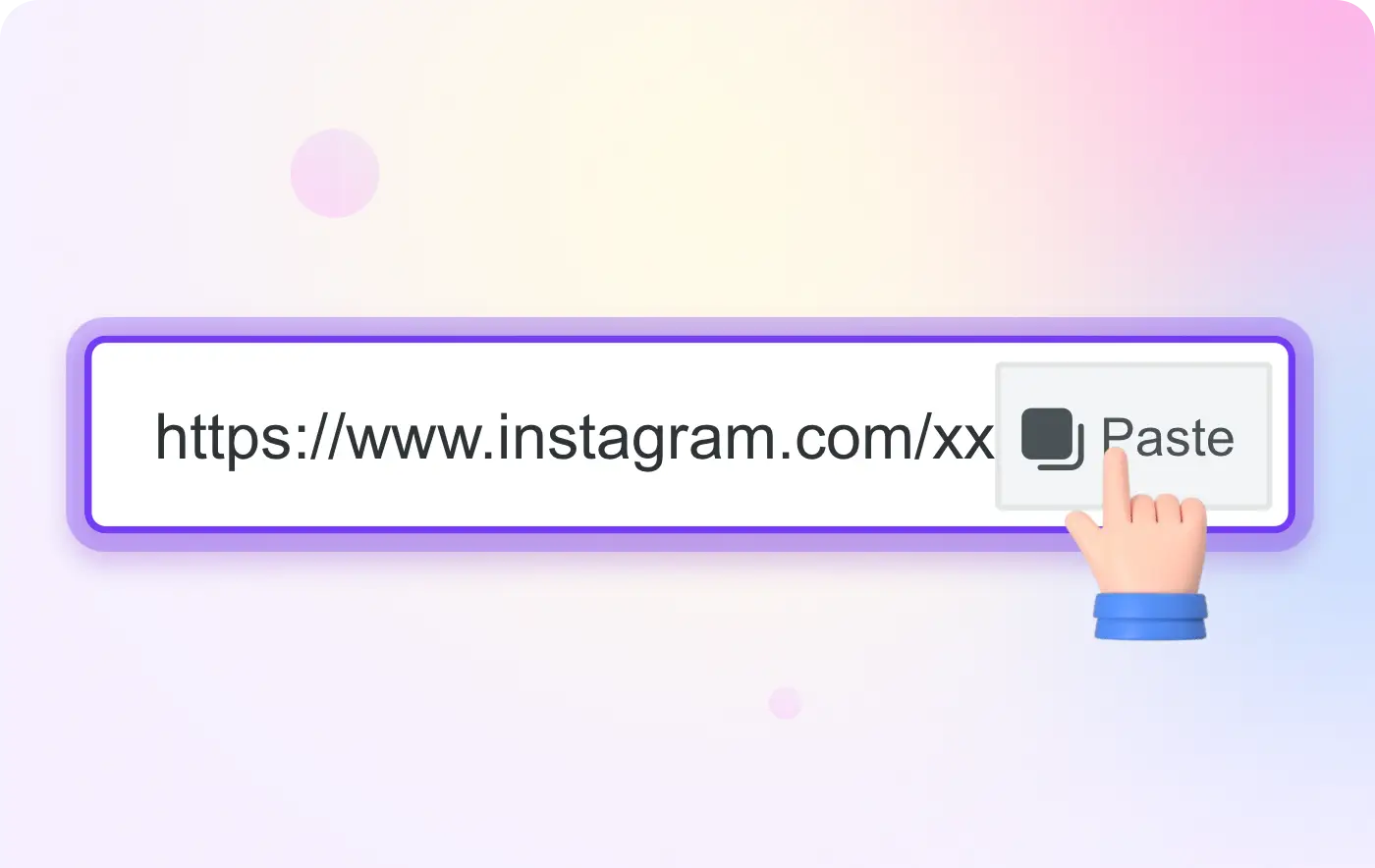
Paste the Link
Paste the link into the Reels downloader input box.

3
Download the Reel
Click Download to save the Reel to your device.
Snaptube Downloader

Download Reels Videos
Keep up with the latest trends by saving your favorite Reels. Our tool allows you to download short videos with audio included, so you can watch them offline anytime.

Watch Reels Offline
Don't let bad internet connection stop you from enjoying Reels. Download them to your gallery and share them with friends even when you are offline.
Frequently asked questions (FAQ)
This FAQ provides information on frequent questions or concerns about the Snaptube Downloader. If you can't find the answer to your question, feel free to ask through email on our contact page.
What is the Snaptube Reels Downloader?

It is a specialized tool designed to help you save Instagram Reels videos. Since Instagram doesn't allow direct downloads, Snaptube lets you save these short, entertaining videos to your device for offline viewing.
Do the downloaded Reels have sound?
Yes, by all means. When you download a Reel using Snaptube, it comes with the original audio track intact, so you can enjoy the full experience.
Are there any limits on how many Reels I can save?
No! You can download as many Reels as you wish. There is no daily limit and no hidden cost.
Do I need to install an app to use this?
No installation is required. Snaptube works entirely in your web browser. This saves your phone's storage space and keeps your device fast.
Can I download Reels from private accounts?
No, Snaptube respects user privacy and only allows downloading Reels from public Instagram accounts.